In this article:
Having a great idea is one thing. Turning it into a visual is another, especially if design is still a skill you’ve yet to master. That’s why Artificial Intelligence (AI) is here, ready to help you bring your concepts to life.
Whether you’re an experienced designer or a new content creator, AI image generators can streamline your creative process. Just type in your text prompt, and it will produce an image based on whatever you describe.
See how it works up close and find out which of these platforms could be the best AI image generator that suits your style.
Midjourney
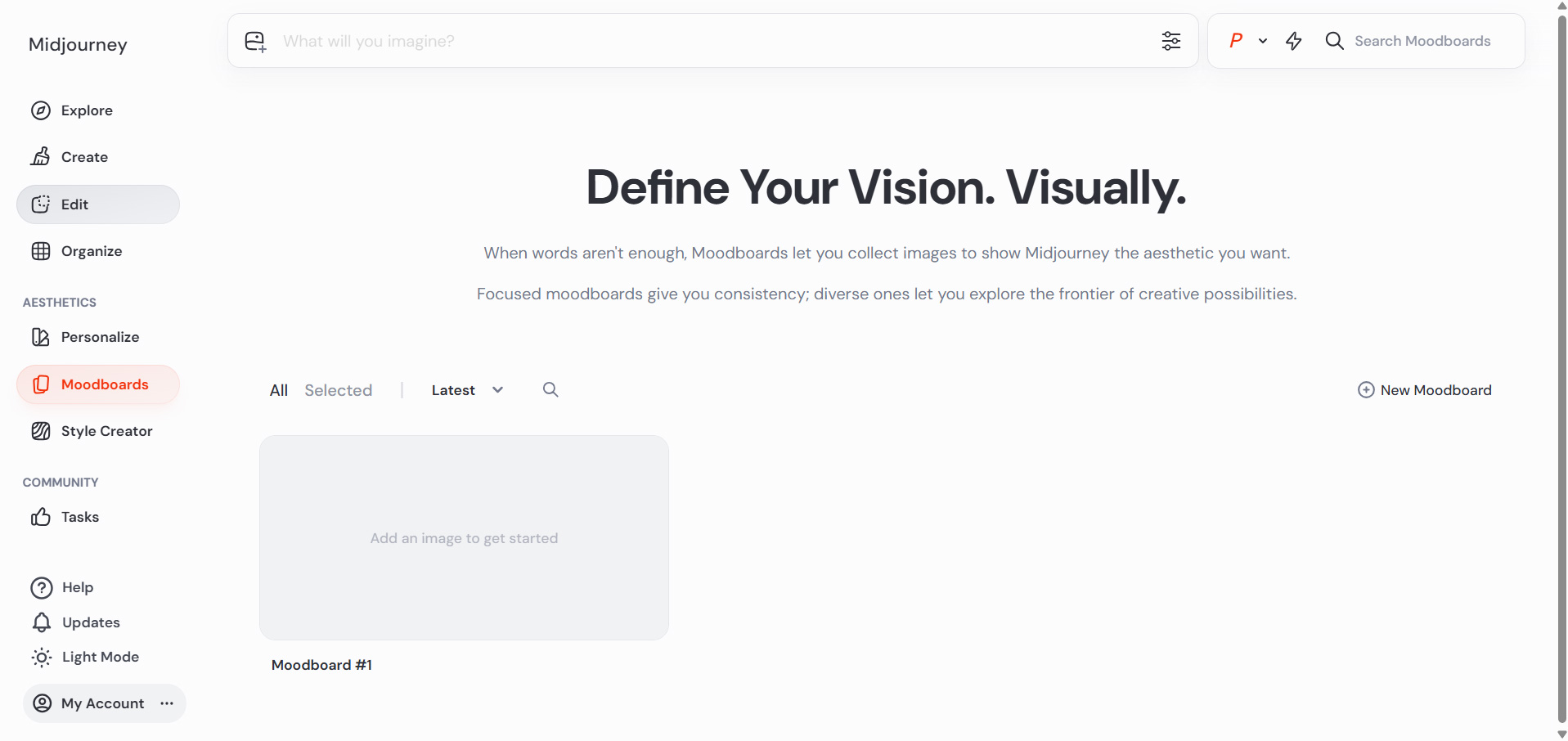
Some ideas call for visuals that feel polished right from the start. If you’re asking what the best AI image generator is, most people would say Midjourney.
The platform turns text prompts into detailed artwork and photorealistic graphics. The level of detail it can produce, while giving you more control over the final look, is what sets it apart from other users.
Pro Tip: Use Midjourney’s Moodboards feature to guide the image’s style, especially if you’re creating a series of pictures for the same project or brand, to keep your visuals consistent.
ChatGPT Images 2.0
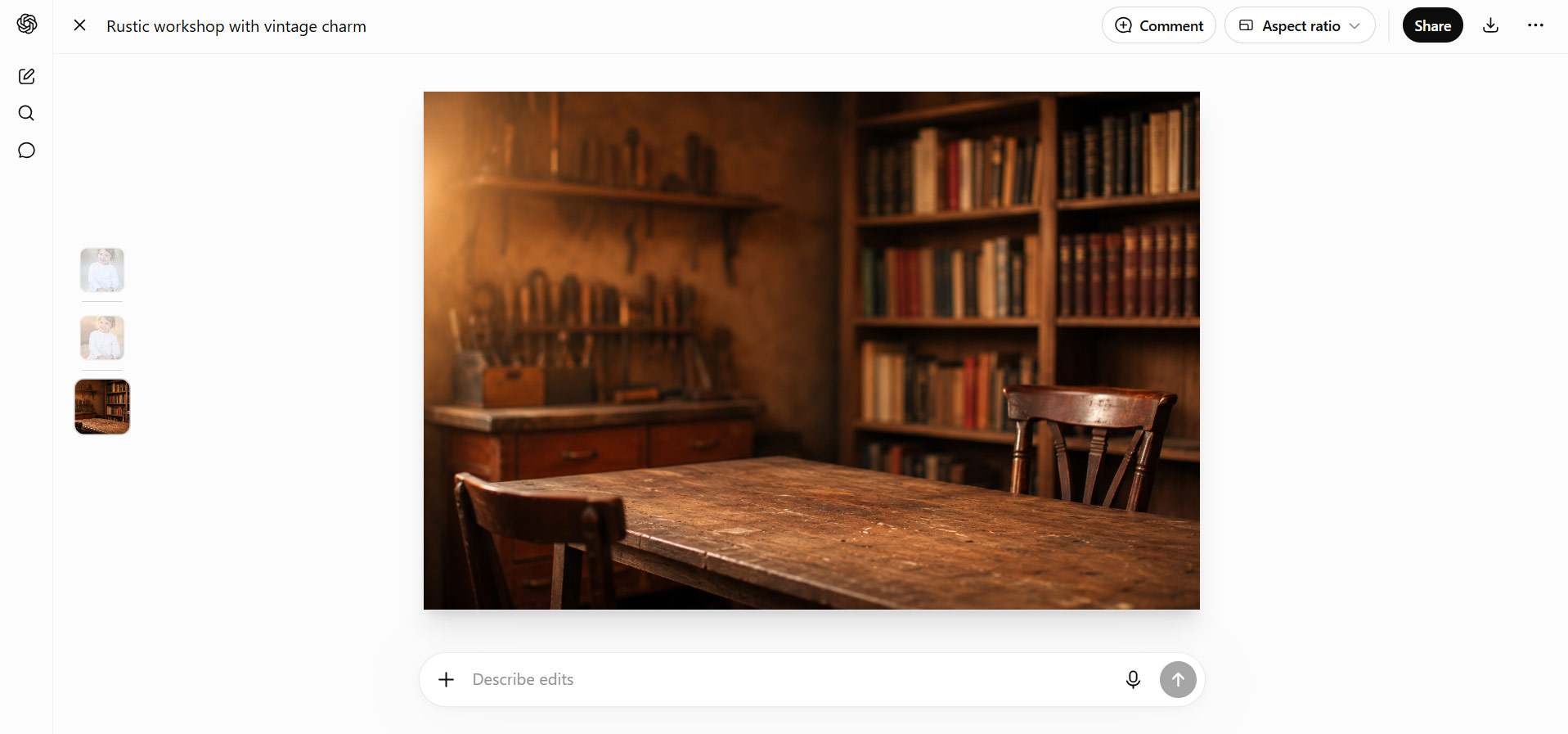
Of course, generating an image is only the beginning. Once you have a concept, you’ll often want to tweak and refine it until it aligns with your vision.
If you’re the type of artist who always finds ways to enhance your work, ChatGPT Images is worth exploring. It lets you generate and refine images easily through a chat-like interface.
You can generate new visuals from a text prompt, upload an existing image for changes, or ask it to replace objects, add text, and correct details. Its biggest advantage is the ability to make follow-up edits in the same chat.
Pro Tip: Ask ChatGPT to suggest a better prompt before generating your image. A more detailed prompt often produces stronger results on the first try.
Nano Banana 2 (Google Gemini)
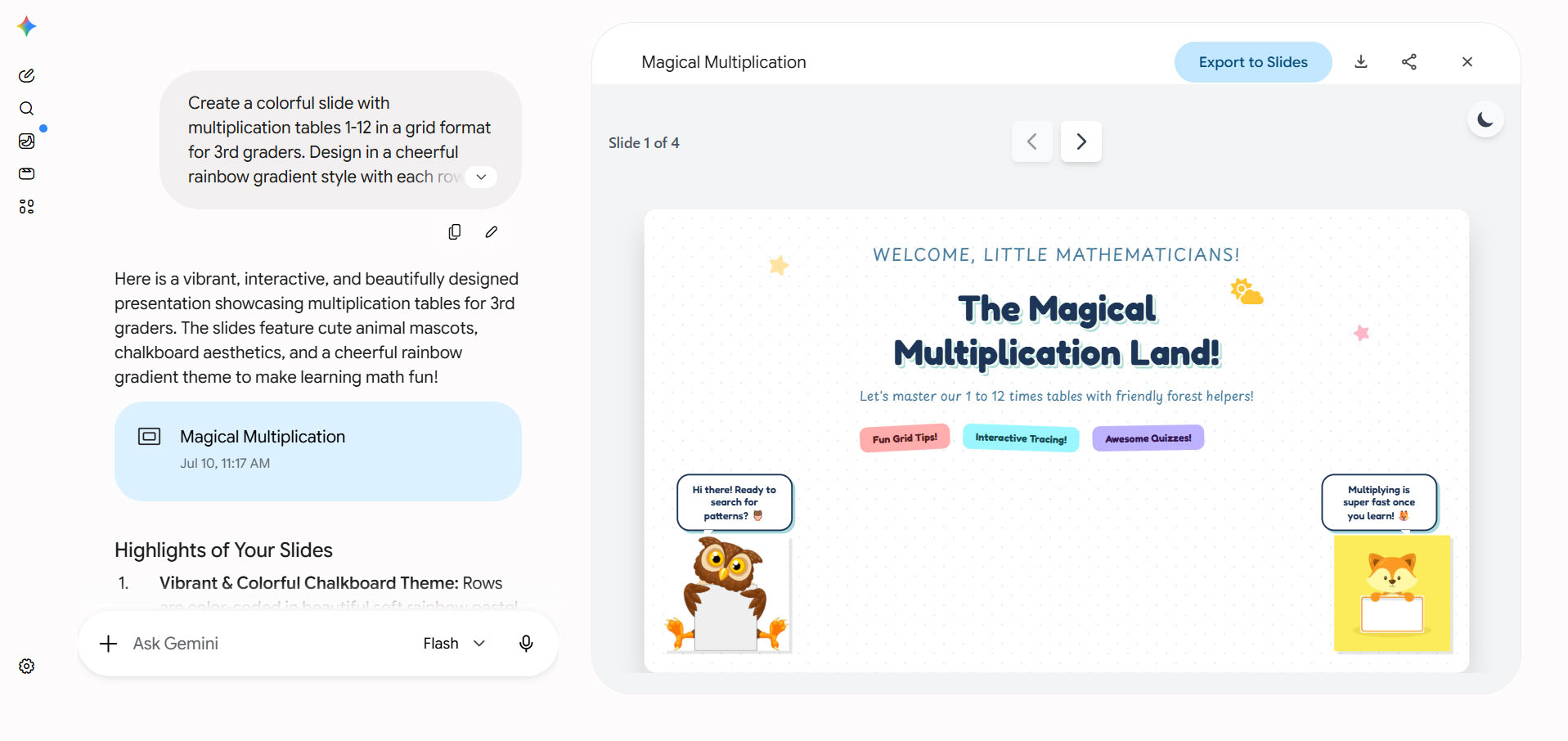
Getting those school slideshows done is easier when your tools work together. Nano Banana 2 is the image model inside Google Gemini, so you can type a prompt, get your visual, and drop it straight into Slides or Docs while staying in the Google apps you use. That built-in convenience makes it an easy pick for students and teachers who already rely on Google’s tools.
Pro Tip: Include the purpose of your output in your prompt, such as a presentation, poster, or social media post, so that the designs generated better match your needs.
Adobe Firefly
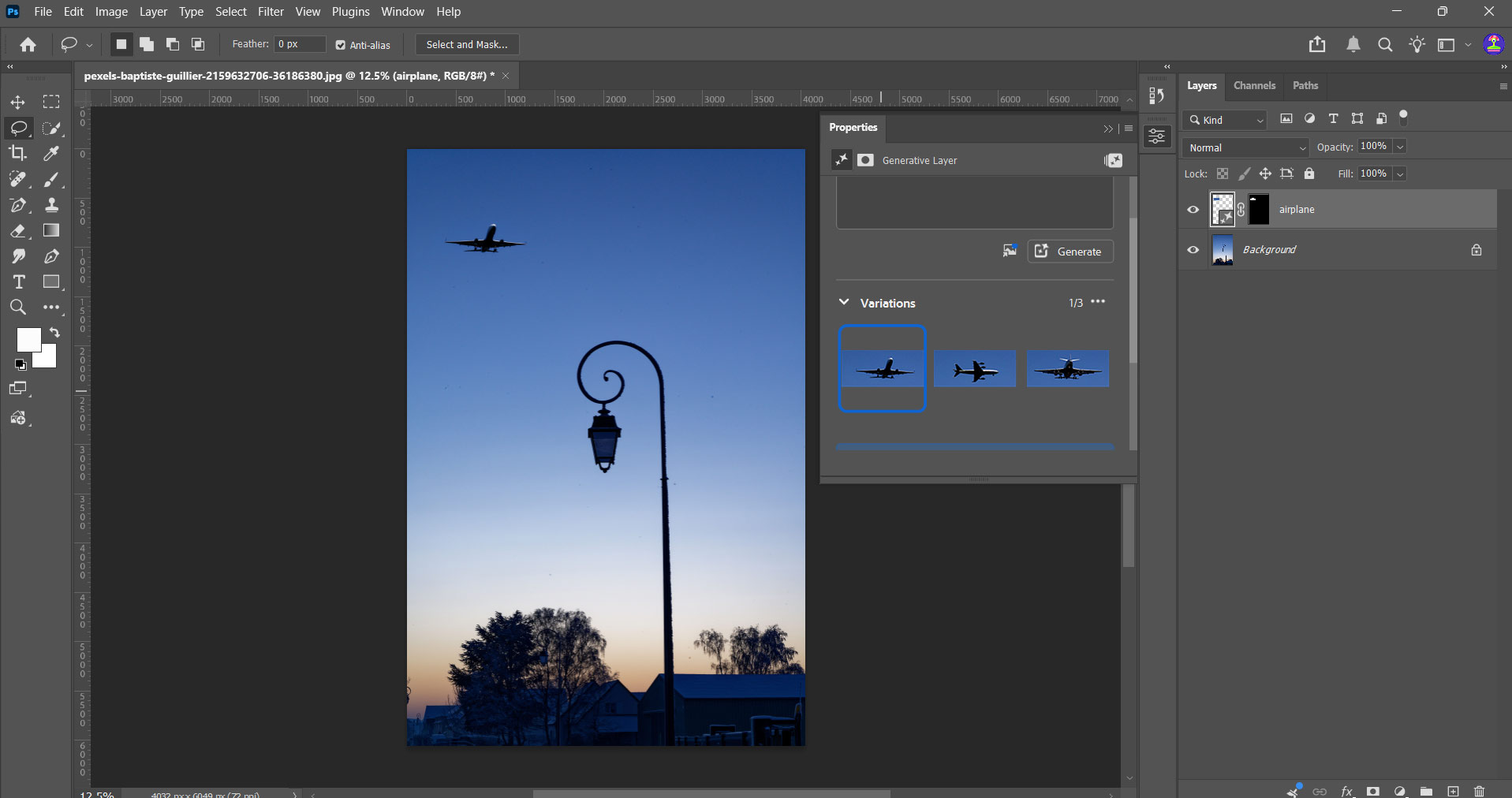
If your images are headed to a campaign or a paid ad, Adobe Firefly is built for that exact situation. It’s trained only on licensed Adobe Stock content and public domain material. That’s why it’s considered one of the safest options for commercial work.
Firefly also plugs directly into Photoshop and Illustrator, so you can generate a picture and keep refining it with the same tools in the platform you’re editing on.
Pro Tip: Use the platform’s Generative Fill to test different layouts, backgrounds, or objects before finalizing your design. Small changes can make a big difference in the final composition.
AI Fiesta
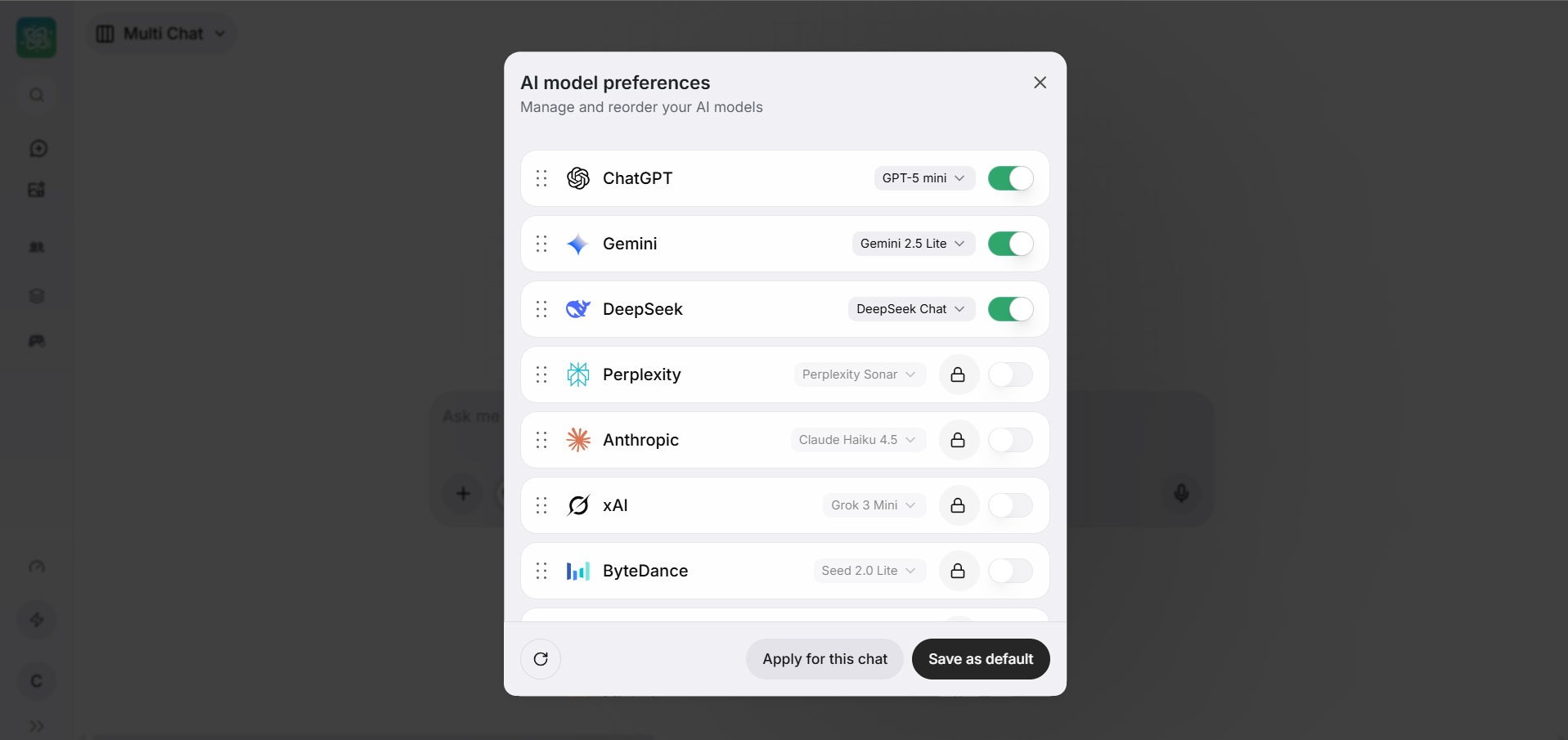
Not everyone wants to switch between multiple platforms. If you prefer having several AI capabilities in one place, AI Fiesta is worth considering. It showcases multiple AI models to help you generate images, write captions, and exchange ideas with just a few clicks and keystrokes. These time-saver features make this AI platform a great choice for independent artists with multiple side hustles.
Pro Tip: Check the GlobeOne app for exclusive vouchers to save on your AI Fiesta subscription.
Letting AI Support Your Creative Process
The best AI image generator is the one that fits your entire creative journey, from concept development to iteration.
But creating AI images often takes more than one prompt. You may generate several versions, upload reference images, or refine your results before you get the look you want. That's where a reliable internet connection comes in. At home, a prepaid WiFi connection gives you the power to top up whenever inspiration strikes, while broadband internet provides the stable connection needed for longer creative sessions.
You can also keep creating even when you’re away. A mobile postpaid plan gives you plenty of data to generate AI images and fine-tune prompts. If you prefer more flexibility, prepaid promos help you stay connected whenever you just need to revise or quickly share your work.
It's time to put your ideas into action with these AI image generators, backed by the connectivity that fits the way you create.